
How To SEO My Blog, A Repeatable Workflow For Every Post
Learn how to seo my blog with a repeatable 30–60 minute workflow: on-page checklist, indexing steps, internal links, and troubleshooting.
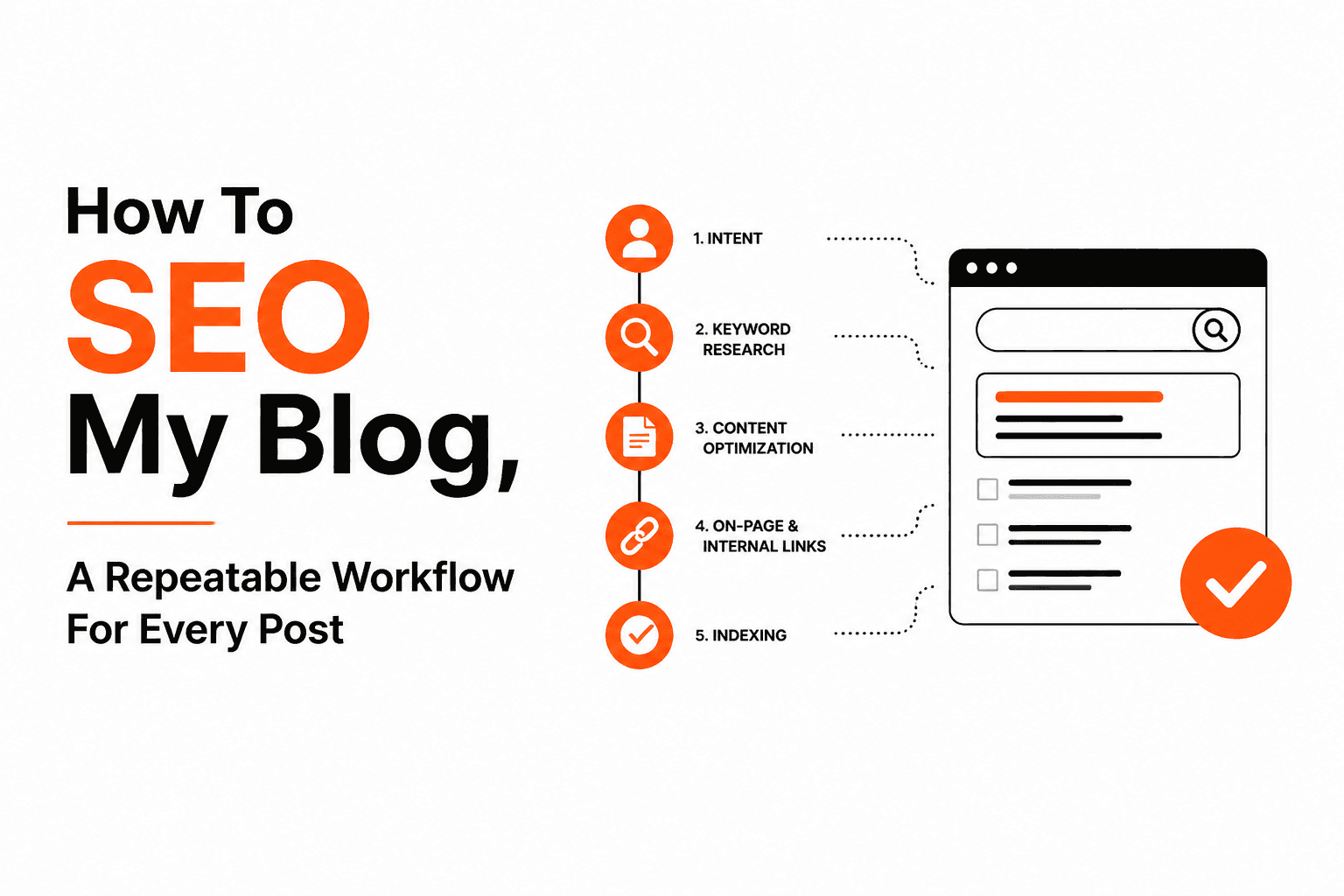
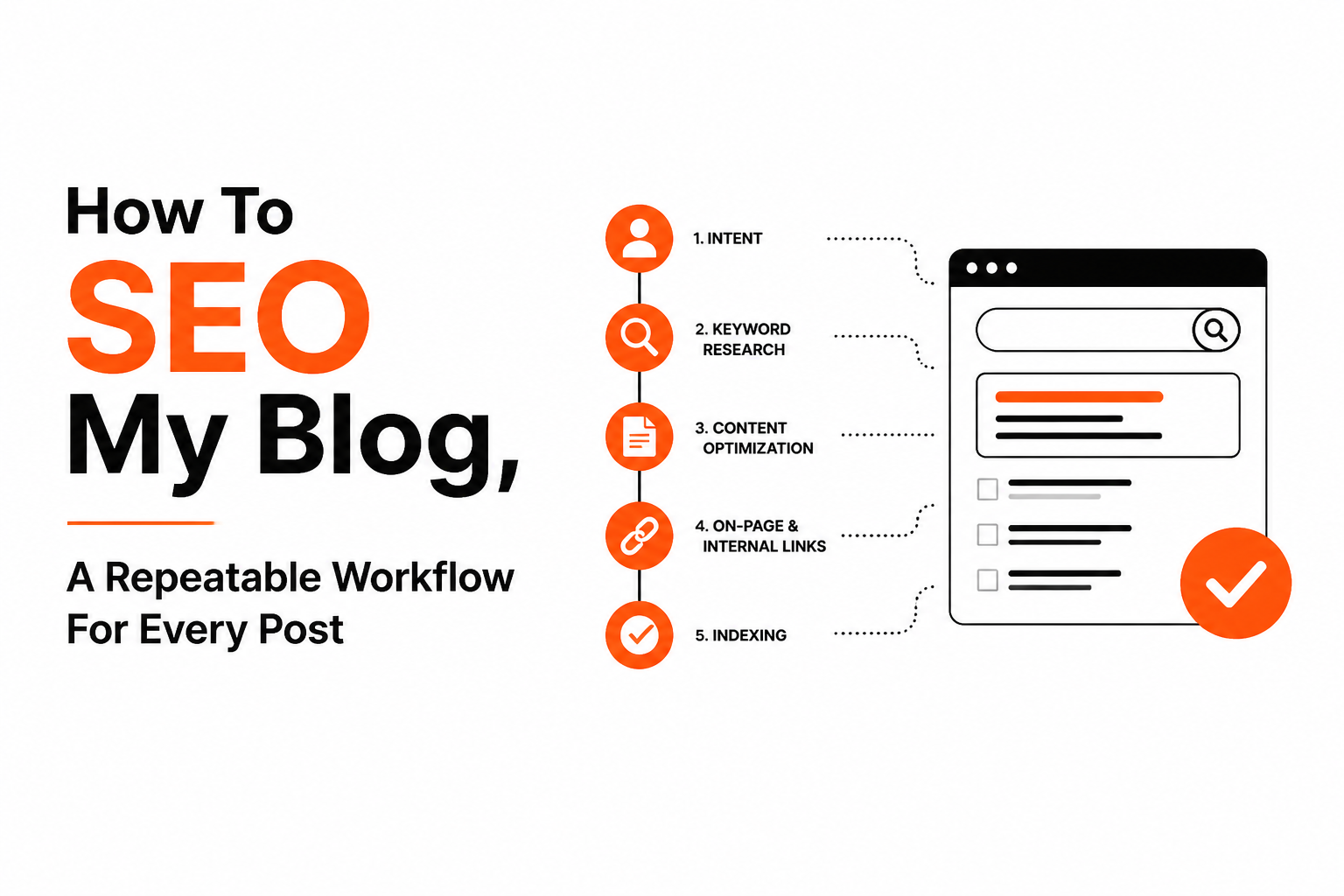
How to seo my blog comes down to a repeatable workflow: pick the right query, build a page that matches search intent, publish cleanly, confirm indexing, then improve based on Search Console data.
- Focus on the 80/20: intent match, strong title/H1, clean URL, helpful sections, internal links, and indexability.
- Use a 30–60 minute checklist per post so SEO happens before you hit publish, not weeks later.
- Troubleshoot by symptom (not ranking, not indexed, weird URL duplicates) and apply one specific fix at a time.
What It Means To SEO My Blog And What To Do First
SEO for a blog post works only when Google can crawl it, index it, and then rank it for a query where your page is the best match for intent.
Crawl, index, rank in plain English
- Crawl = Google can fetch the page (no blocked robots.txt, no login wall, no broken server response).
- Index = Google decides to store the page in its database (your page is eligible to show in results).
- Rank = Google chooses where to place your indexed page for a specific search term.
The 80/20 priority table (with time estimates)
If you only have an hour, do the items that most often decide whether a blog post gets impressions at all: intent match, basic on-page, internal links, and indexability.
| Priority | Task | What “done” looks like | Time |
|---|---|---|---|
| 1 | Pick one primary query + intent | One clear searcher goal; no mixed intent | 5–10 min |
| 1 | Write a title + H1 that match intent | Specific promise + audience + outcome | 5–10 min |
| 1 | Outline sections that fully answer the query | Headings cover sub-questions and examples | 10–15 min |
| 2 | Clean URL + meta description | Short slug; meta sells the click (not stuffed) | 5 min |
| 2 | Internal links (2–5) | Links to related posts and 1–2 links back to this post | 10 min |
| 2 | Image basics | Compressed, descriptive filename, relevant alt text | 5 min |
| 3 | Indexing checks | In Search Console: “URL is on Google” after publishing | 5–10 min |
Quick “stop doing this” list
- Targeting three different topics in one post “to rank for more”. This usually dilutes relevance.
- Publishing without any internal links. Orphans get discovered and ranked slower.
- Changing the slug repeatedly. Every change is a new URL plus redirect complexity.
A 30 to 60 Minute Blog SEO Workflow You Can Repeat Every Time
A repeatable blog SEO workflow prevents 90% of “why isn’t it ranking?” issues by forcing intent, structure, and internal linking decisions before publish.
Step 1 (pre-write): lock intent and scope in 10 minutes
- Primary query: the exact phrase you want to be the best answer for.
- Searcher intent: informational (learn), commercial (compare), transactional (buy), navigational (find a site).
- Scope rule: define what you will and will not cover in one sentence.
Scope example: “This post teaches a beginner how to seo my blog post end-to-end; it will not cover advanced link building campaigns.”
Step 2 (while writing): build an answer-first structure in 20 to 35 minutes
- First 2–3 sentences: direct answer, then how the post is organized.
- H2 map: 5–8 sections that mirror sub-questions people ask after the main query.
- In each H2: include one example (good vs bad, before vs after, template filled out).
- Keyword use: mention the primary phrase where it reads naturally (title/H1, early body, one subheading if it fits), then use variations elsewhere.
When we audited beginner blog posts that failed to get impressions, the most common pattern was not “missing keywords” but missing sections that answered the next obvious question the reader had, so the page looked incomplete compared to the top results.
Step 3 (pre-publish): a checklist you can actually finish in 10 to 15 minutes
- Title communicates outcome + audience (no vague fluff).
- H1 matches the title (or is a clean variation).
- Slug is short, readable, and stable.
- 1 primary CTA (newsletter, free template, consultation) placed once, not everywhere.
- 2–5 internal links added with descriptive anchors.
- Images compressed and relevant (not decorative stock).
- Schema (optional) if your CMS supports it easily (Article is usually automatic).
One filled example optimization sheet (copy this)
| Field | Example |
|---|---|
| Primary query | how to seo my blog |
| Intent | Informational (beginner workflow) |
| Audience | New blogger publishing 1–4 posts/month |
| Promise | Repeatable checklist from draft to indexing to refresh |
| Title | How To SEO My Blog, A Repeatable Workflow For Every Post |
| Slug | /how-to-seo-my-blog/ |
| Internal links to add | how to do seo for blog, how to rank your blog |
| Proof / examples | Good vs bad titles, URL inspection steps, troubleshooting table |
Publish, Get Indexed, And Track Results With Free Tools
Getting a blog post indexed is a technical prerequisite for rankings, and Google Search Console is the free tool that tells you whether indexing is the blocker.
Indexing workflow (Search Console URL Inspection)
- Open Google Search Console for your property.
- Paste the full URL into URL Inspection.
- If you see “URL is not on Google”, click Request indexing.
- Re-check in 24–72 hours. If it still is not indexed, move to troubleshooting (thin content, duplicate, blocked, or low quality signals are common).
Sitemaps and discovery (do this once, then forget it)
- Submit your sitemap in Search Console (usually /sitemap.xml).
- Make sure your blog posts are included in the sitemap output from your CMS.
Lightweight tracking loop (15 minutes a week)
- Week 1–2: Confirm impressions exist for the page in Search Console.
- Week 3–6: Look at queries driving impressions and adjust headings to better match what people are actually searching.
- Monthly: Refresh the post if the top queries have shifted or if your content is missing a key subtopic.
In our experience, the biggest “aha” for beginners is that a post can be indexed but still get near-zero impressions because the page does not match a specific query well enough. Indexing is necessary, not sufficient.
On-Page Basics That Actually Move Rankings
On-page SEO moves rankings when it clarifies relevance and improves usability: the page should quickly prove “this is the right result” to both Google and the reader.
Titles (good vs bad)
- Bad: “SEO Tips For Blogs” (too broad, unclear outcome)
- Good: “How To SEO My Blog Post in 45 Minutes (Checklist + Examples)” (specific, sets expectation)
Meta descriptions (what they are and how to write them)
Meta descriptions do not guarantee ranking changes, but they can improve clicks when your snippet is shown. Write a 1–2 sentence preview: who it is for, what they will achieve, and what is included (checklist, examples, templates).
URLs and slugs
- Bad: /blog/2026/08/17/seo-post-1147-final2/
- Good: /how-to-seo-my-blog/
Headings that help both scanning and snippets
- Use one H1.
- Use H2s for major steps or questions.
- Use H3s for checklists, examples, and “how to” mini-steps.
Images and alt text (the practical rule)
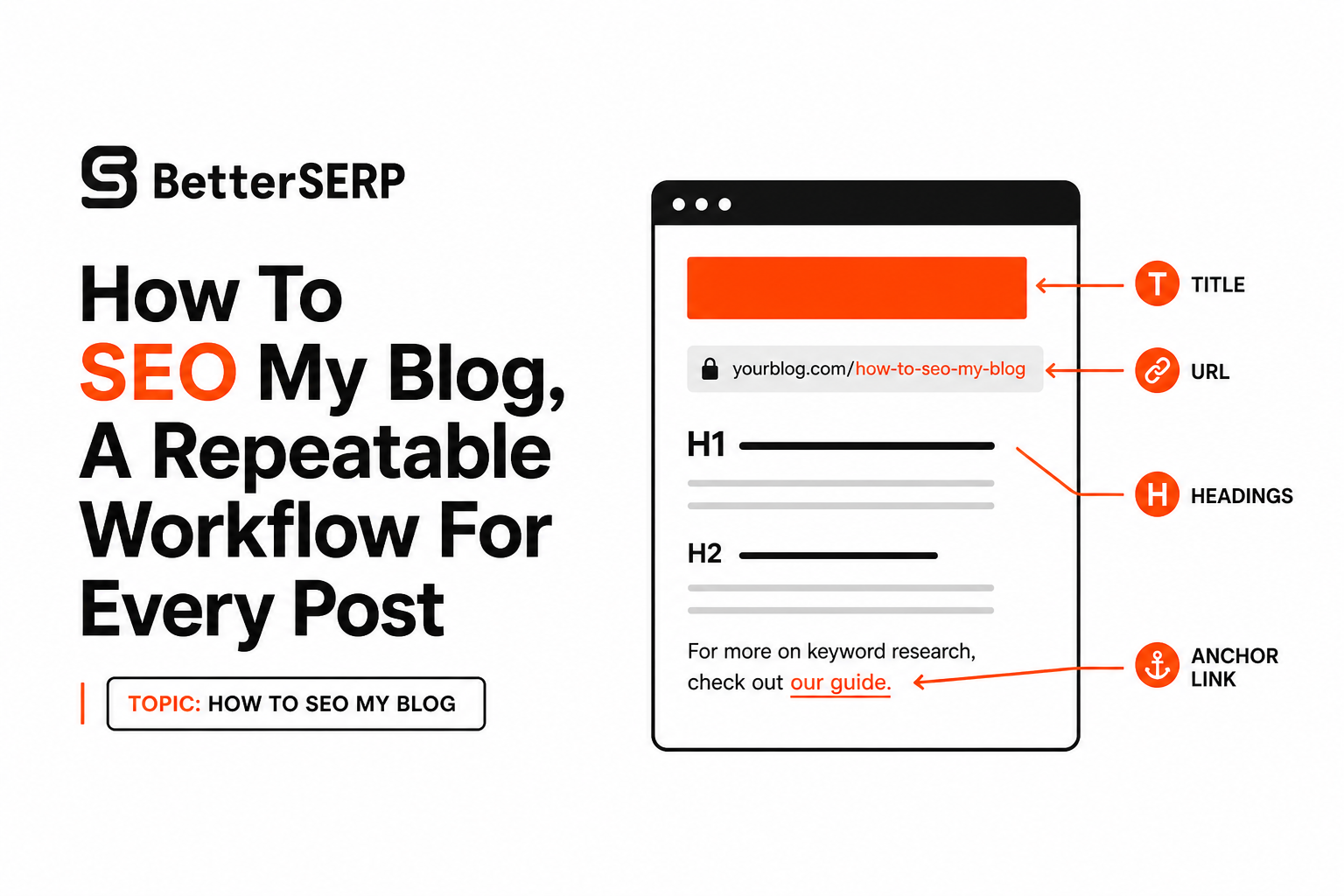
Write alt text for meaning, not for keywords: describe what the image shows and why it matters to the reader. Example: “Screenshot of Search Console URL Inspection showing URL is not on Google.”
Anchor text that makes internal links work
Avoid “click here”. Use descriptive anchors that preview the destination. For example, link to how to do seo content writing when the reader needs a writing-focused workflow, not when you just want to add a link.
Internal Links, Site Structure, And Canonicals Without Breaking Your Blog
Internal linking and simple site structure help Google discover your pages faster and understand which post is the main answer for a topic.
A simple topic cluster you can set up in an afternoon
- 1 hub post: the broad guide (example: “Blog SEO basics”).
- 3–8 supporting posts: narrow problems (titles, indexing, content refresh, internal links).
- Linking rule: every supporting post links to the hub; the hub links back to each supporting post.
Internal link map (minimum viable)
| From | To | Anchor example | Why it helps |
|---|---|---|---|
| New post | Older related post | how to optimize content for search engines | Passes context and keeps users moving |
| Older post | New post | “blog SEO workflow checklist” | Helps discovery and distributes internal authority |
Canonicals and duplicate URLs (common anti-patterns)
- Anti-pattern: same content accessible at /post, /post?ref=twitter, and /category/post with no canonical.
- Fix: ensure a single preferred URL and add a canonical tag pointing to it (most SEO plugins handle this).
- Anti-pattern: republishing the same post under a new slug instead of updating the existing URL.
- Fix: update the original post and keep the URL stable; redirect only when absolutely necessary.
Reddit-Style Troubleshooting Why Your Blog SEO Is Not Working
Blog SEO usually fails for a small set of reasons, so troubleshooting works best as symptom → likely cause → exact fix.
1) “My post is not indexed”
| Symptom | Likely cause | Exact fix |
|---|---|---|
| URL Inspection says not indexed | Blocked (robots/noindex) or low perceived value | Remove noindex, allow crawling; add missing sections; add internal links; request indexing |
| Indexed, then dropped | Duplicate or thin content | Consolidate with a stronger page; add canonical; expand content with unique examples |
2) “I am indexed but not ranking”
- Likely cause: intent mismatch (your post answers a different question than the query).
- Fix: rewrite the intro to answer the query directly; add the missing subtopics shown in top-ranking pages; tighten the title to match the query.
3) “I have impressions but no clicks”
- Likely cause: snippet does not promise a clear outcome, or your title is vague.
- Fix: adjust title to include the outcome, audience, and format (checklist, template, examples). Update meta description to preview what is inside.
4) “Two of my posts are competing with each other” (cannibalization)
- Likely cause: multiple posts target the same primary query with overlapping sections.
- Fix: pick one primary page, merge the best content, 301 redirect the weaker URL, and update internal links to point to the winner.
5) “My traffic fell after I added popups or interstitials”
- Likely cause: intrusive interstitials can degrade user experience on mobile, which can hurt performance.
- Fix: delay popups, reduce coverage, or switch to a less intrusive banner; re-check Search Console performance after changes.
After running many content audits, the pattern was clear: when a post does not rank, making one focused change (intent alignment or consolidation) beats making ten small tweaks (sprinkling keywords, changing a few words) that do not change what the page is actually about.
Can SEO Help You Make 1000 Dollars From Blogging A Reality Check With Simple Math
SEO can help you reach $1,000 from blogging, but the path depends on your monetization model and the conversion rate you can realistically achieve.
Scenario 1: Ads (RPM-based)
- Simple math: If your display ads earn $10 RPM (earnings per 1,000 pageviews), you need about 100,000 pageviews/month to make $1,000.
- SEO milestone before this works: consistent growth in impressions and a catalog of posts that each bring steady long-tail traffic.
Scenario 2: Affiliate (intent + trust)
- Simple math: 10,000 visits/month x 2% click-to-affiliate x 3% purchase conversion = 6 sales. If commission is $150, that is $900.
- SEO milestone: ranking for commercial-intent queries and having comparison sections that readers trust.
Scenario 3: Services (high value per lead)
- Simple math: 2,000 visits/month x 1% lead conversion = 20 leads. If 10% close and your average project is $500, that is $1,000.
- SEO milestone: posts that demonstrate expertise and link to service pages with clear next steps.
What to prioritize if your goal is income, not vanity traffic
- Build clusters around problems people pay to solve.
- Refresh posts that already have impressions first (faster payoff than brand new topics).
- Track one primary KPI beyond traffic: email signups, leads, or affiliate clicks.
FAQ
How long does it take for a blog post to rank?
How long it takes varies widely, but a practical checkpoint is: within a few days you should be able to confirm indexing, and within a few weeks you should see impressions if the post matches a real query well.
Do I need to use the exact keyword how to seo my blog in every heading?
No. Use the phrase naturally where it fits, but prioritize clear, helpful headings that match sub-questions. Over-repeating exact matches can make headings feel unnatural.
What is the fastest way to improve an underperforming post?
Open Search Console, find queries with impressions, then update the post to better answer those queries: add missing sections, improve the title, and add internal links from relevant older posts.
Is SEO automation safe for blog content?
Automation is safe when it enforces quality checks and intent alignment rather than mass-producing thin pages. If you are curious, start by learning what is seo automation and apply it to repetitive steps like checklists and publishing workflows.
If you want a copy-paste checklist version of this workflow, create a simple template in your notes app first, then consider operationalizing it later with Better SERP, which provides AI workflow templates that help teams run the same SEO checks and publishing steps consistently across many blog posts.
Read Next
View all
Write SEO Friendly Article Steps Plus a Full Sample You Can Copy
Learn how to write seo friendly article content with a simple workflow, an annotated sample, and a checklist for title, meta, links, and FAQs.

How To Optimize Your Content For SEO, A Simple Workflow For Beginners
Learn how to optimize your content for seo with a simple page-by-page workflow: intent, titles, subtopics, links, free tools, and measurement.

What Is SEO Automation, How It Works, And 3 Workflows You Can Copy
Learn what is seo automation, how it works (inputs → logic → outputs), what to automate safely, and 3 copyable workflows with a starter stack.