
How To Rank Your Blog, A Beginner Workflow Using Free Tools
Learn how to rank your blog with a beginner workflow: indexing, intent, on-page SEO, troubleshooting, and a 30-day plan using free tools.
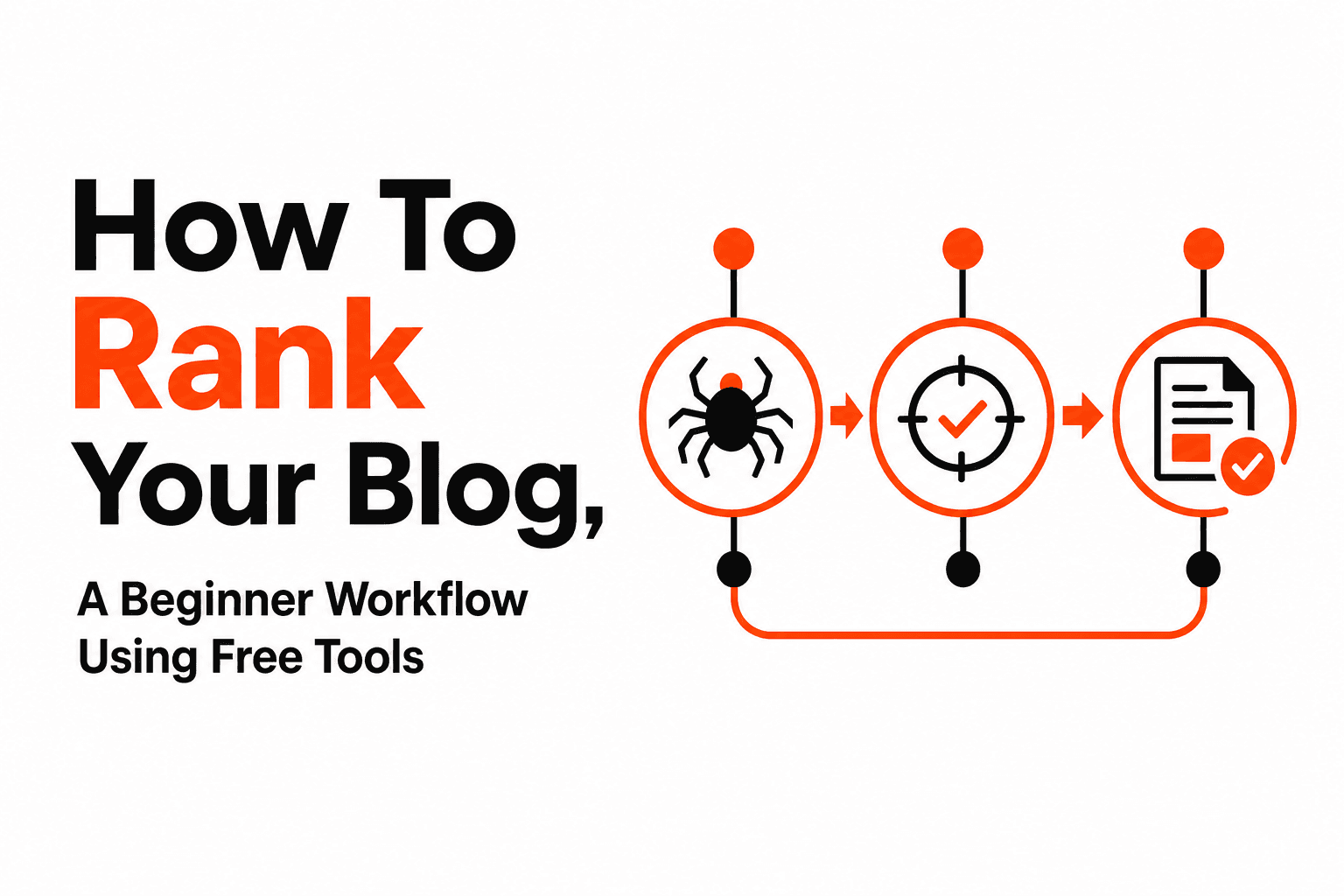
How to rank your blog comes down to a repeatable system: get the page indexed, match search intent better than what already ranks, and then improve clicks and internal links until Google has enough signals to move you up. Beginners usually get stuck because they publish, wait, and never run the simple checks that reveal whether the problem is indexing, topic fit, or weak on-page SEO.
- Rankings only happen after indexing, intent-fit, and enough internal and external signals, so always diagnose in that order.
- You can build a strong keyword and SERP plan using free Google tools: Search Console, Trends, Keyword Planner, and People Also Ask.
- Most “my blog isn’t ranking” issues can be found in 30 minutes by checking indexing, cannibalization, CTR, content gaps, and technical blockers.
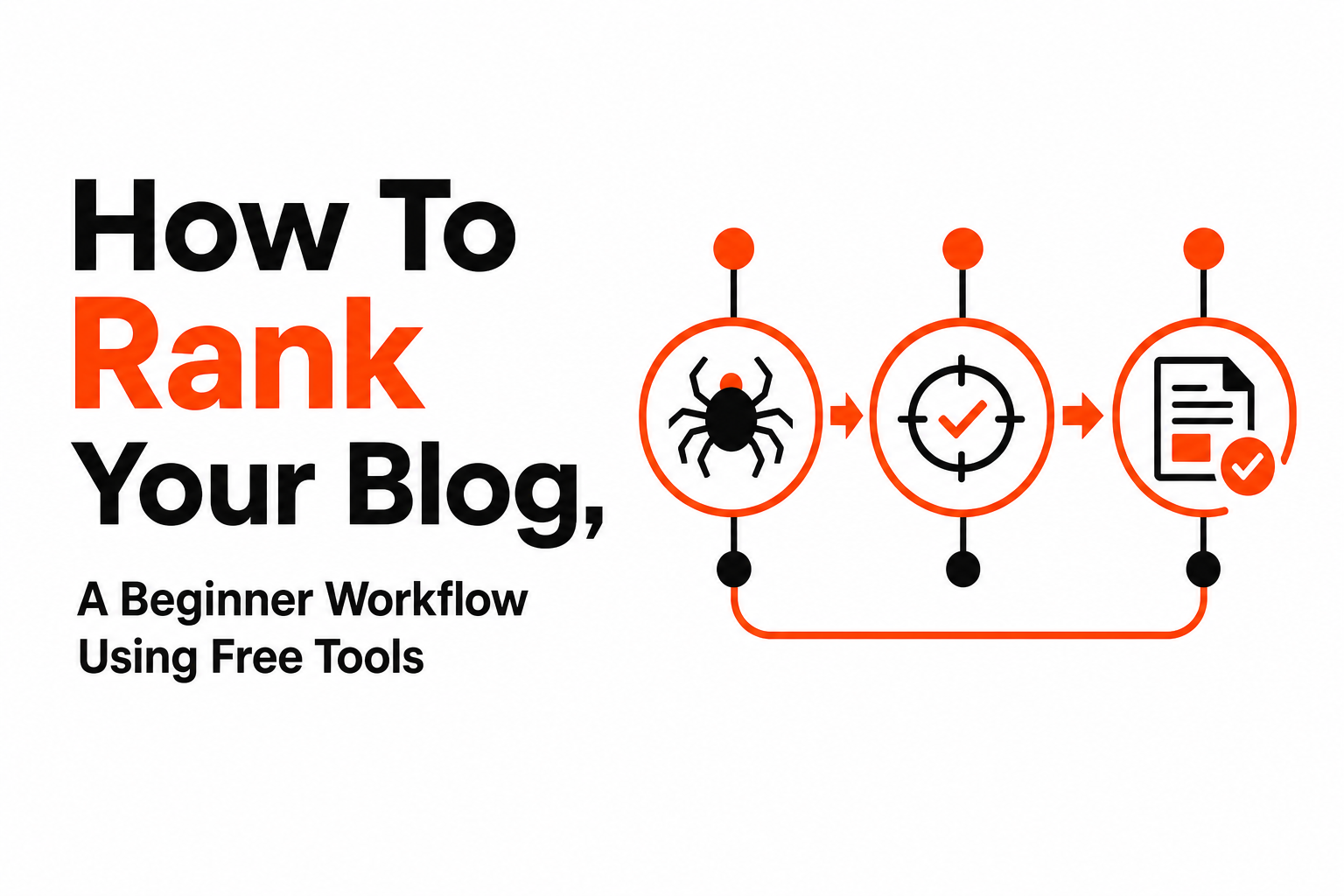
How Blog Rankings Actually Happen, From Indexing To The Top 10
Blog rankings happen when Google can crawl and index a page, understand exactly which query it should satisfy, and then see enough quality signals to place it above alternatives.
The 3 gates your post must pass
- Gate 1: Indexing (is the page eligible to rank?) If Google has not indexed it, you will not rank for anything.
- Gate 2: Relevance (does the page match the query’s intent and format?) Google usually promotes pages that look like what searchers want: a list, a tutorial, a definition, a tool, a template, etc.
- Gate 3: Signals (why should your page beat the current top 10?) Signals include internal links, helpfulness, topical coverage, mentions and links from other sites, and user interaction patterns like clicks.
What “search intent” looks like in practice
Search intent is the job the searcher is hiring your article to do. For beginners, the easiest way to read intent is to look at the current top results and note patterns:
- Format: Are top results “how-to steps,” “templates,” “tools,” or “definitions”?
- Depth: Are they 700-word quick answers or 2,000-word guides?
- Angle: Are they “for beginners,” “for 2026,” “for WordPress,” or “without backlinks”?
In our experience working with new blogs, the fastest win is not writing “more,” it is matching the dominant format and adding 2 to 3 missing subtopics that competitors skip.
A realistic expectation for beginners
New sites often need multiple posts plus internal linking before any single post climbs meaningfully, because Google has limited history to trust. The goal is to make each article easy to understand (clear topic, clear structure), easy to surface (indexed, internally linked), and obviously better aligned to intent than what ranks now.
The Free Workflow To Rank Your Blog Using Only Google Tools
How to rank your blog for free starts with choosing topics you can actually win and building an outline that mirrors the SERP, using Google Search Console, Trends, Keyword Planner, and the People Also Ask box.
Step 1: Start with what Google already shows you in Search Console
If your site has any traffic, Google Search Console (GSC) is the highest-signal keyword tool because it shows queries you already appear for.
- Open GSC → Performance → Search results.
- Filter: Position greater than 10 (you are close but not on page one).
- Sort by Impressions to find queries with demand.
- Click a query → open the Pages tab to see which URL Google associates with it.
Beginner rule: prioritize queries where you are already between positions 11 to 30 and have steady impressions. Those are often quicker to move than net-new topics.
Step 2: Validate the topic isn’t seasonal or dying with Google Trends
Google Trends helps you avoid spending weeks on a topic that spikes once a year or is declining.
- If the trend is stable or slowly rising, it is usually a safe evergreen bet.
- If the query is highly seasonal, plan your publish date 4 to 8 weeks before the peak.
You can use Google Trends for quick checks and related queries that can become H2s.
Step 3: Use Keyword Planner to expand to “same-intent” variants
Google Keyword Planner is useful for finding close variants so you can cover the topic naturally without stuffing exact-match phrases.
- Keyword Planner → Discover new keywords.
- Paste your main query and 2 to 3 variants.
- Look for variants that share the same meaning (example: “blog SEO checklist” vs “SEO checklist for blog posts”).
Checklist for selecting a primary keyword:
- You can answer it completely in one page.
- The top results are not dominated by huge brands only.
- The query implies a clear deliverable (steps, checklist, template, examples).
Step 4: Build your outline from People Also Ask (PAA)
People Also Ask questions are often the easiest way to create sections that match what searchers want next.
- Search your keyword in Google.
- Expand 6 to 10 PAA questions.
- Turn repeating themes into H2s or H3s.
If you want a deeper beginner workflow, see how to do seo for blog for a repeatable setup.
On-Page SEO That Moves The Needle, Titles, Structure, Internal Links, And Snippets
On-page SEO improves rankings fastest when you align the title and headers to the SERP pattern, answer the query earlier, and add internal links that pass context and authority.
1) Write titles that earn the click without being vague
Google can only rank what people will click, so your title should promise the specific outcome and the method.
- Include the outcome: “rank,” “fix,” “checklist,” “workflow,” “examples.”
- Include a qualifier: “beginner,” “free tools,” “in 30 minutes,” “step-by-step.”
- Avoid: clever titles that do not name the topic.
Simple title formula: [Outcome] + [Audience/constraint] + [Proof of method].
2) Match the “header footprint” of page one
Header footprint means the set of subtopics your competitors cover. You do not need to copy them, but you should avoid missing the basics.
- Open the top 5 results.
- List their H2s (or main sections).
- Make sure your post covers the shared core topics.
- Add 2 to 3 sections that are genuinely helpful and specific (templates, decision trees, examples).
3) Put the answer in the first 1 to 2 paragraphs of each section
To win featured snippets and AI summaries, each major section should begin with a direct answer sentence and then supporting steps. This is also how you keep beginners from bouncing because they “didn’t get the point.”
For more structure guidance, reference how to optimize content for search engines.
4) Internal linking that actually helps rankings
Internal links help Google understand your site structure and help important pages accumulate more internal authority.
- Link from: relevant, already-indexed pages with impressions in GSC.
- Link to: the page you want to rank, using descriptive anchor text.
- Place links: near the top of the article and in the most relevant paragraph, not only in a footer list.
What surprised our team was how often a single internal link from a high-impression post moved a “stuck at position 15 to 25” page within a couple of weeks, even without any other changes.
5) Optimize for snippet-style answers
When the SERP shows lists, definitions, or steps, give Google clean extractable blocks:
- A 1-sentence definition (40 to 60 words works well in practice, but clarity matters more than word count).
- A numbered list for procedures.
- A short table when comparisons are required.
If you are also learning writing fundamentals, how to do seo content writing pairs well with this section.
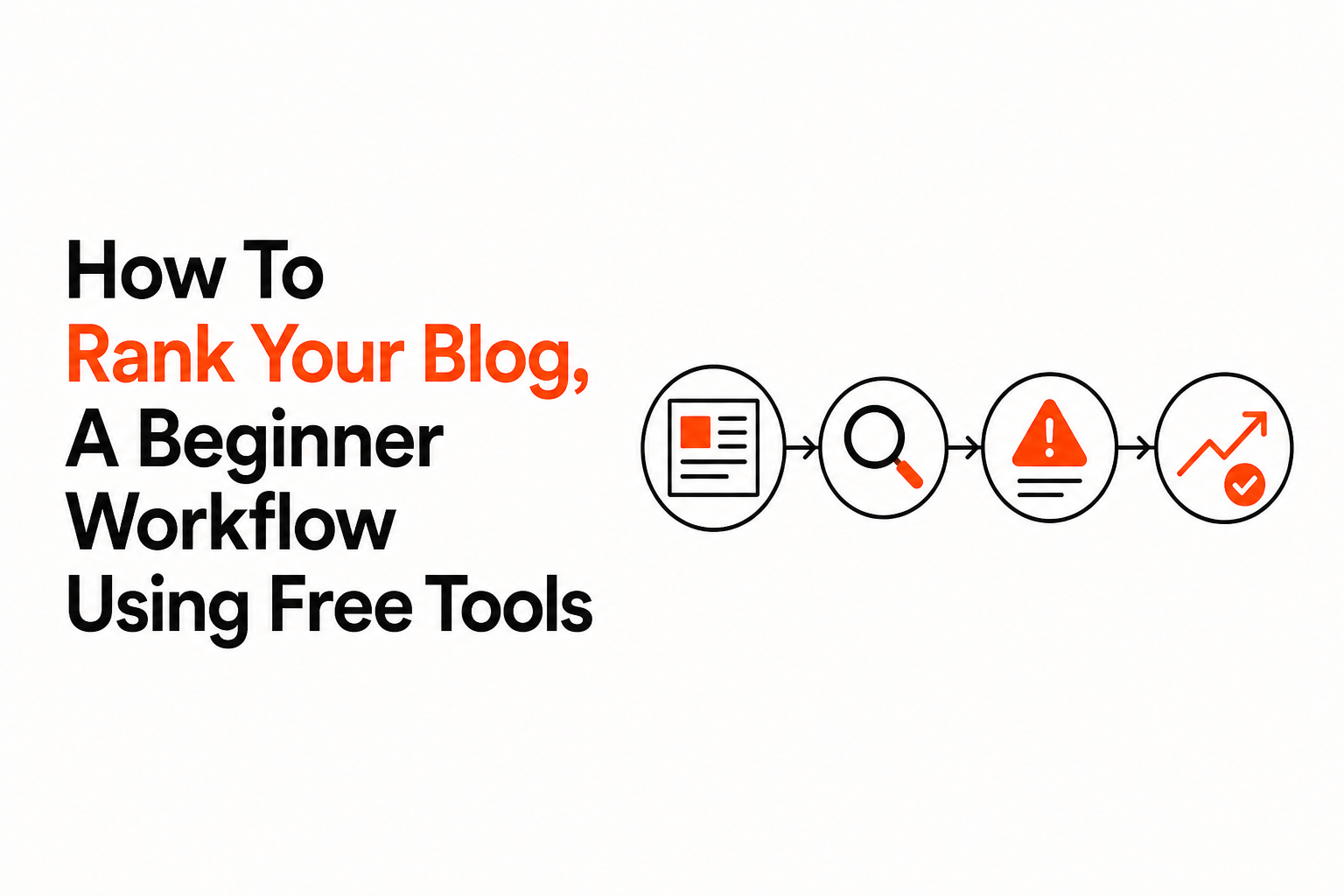
Why Your Blog Is Not Ranking, A 30-Minute Diagnosis Decision Tree
Why a blog does not rank usually falls into one of five buckets: not indexed, wrong page targeting the query, weak SERP match, low CTR, or technical and UX blockers.
A 30-minute decision tree (do these in order)
- Indexing check (5 minutes)
- Search site:yourdomain.com your post title.
- If it is missing, use GSC URL Inspection → Request Indexing.
- Confirm the page is not blocked by robots.txt or a noindex tag.
- Cannibalization check (5 minutes)
- In GSC, open the query → Pages tab.
- If multiple URLs alternate for the same query, consolidate: combine content, 301 redirect, or use a canonical where appropriate.
- SERP mismatch check (10 minutes)
- Compare your page to the top 5: format, freshness, depth, and angle.
- If everyone ranks with a “step-by-step checklist” and you wrote an opinion piece, rewrite the structure first.
- CTR check (5 minutes)
- GSC: query + page → look at impressions vs clicks.
- If impressions exist but CTR is low, rewrite the title and meta description to match the actual promise of the page and the SERP language.
- Technical and UX check (5 minutes)
- Run PageSpeed Insights and fix the biggest mobile issues you can (huge images, render-blocking scripts).
- Scan the page on your phone: is the intro clear, are headings scannable, are ads or popups disruptive?
Fast fixes mapped to the symptom
- No impressions after 2 to 4 weeks: likely indexing, internal linking, or topic too competitive for your current site.
- Impressions but no clicks: title does not match intent or looks weaker than alternatives.
- Clicks but rankings do not improve: content does not satisfy the query fully, or competitors have stronger signals.
For a simple explanation of automation concepts you might later use for recurring checks, see what is seo automation.
Your First 30 Days, A Realistic Publishing And Updating Plan For Beginners
A realistic 30-day plan to rank a new blog focuses on a small cluster of related posts, consistent internal linking, and one update cycle instead of publishing randomly.
Week 1: Set the foundation and publish the first “hub” post
- Pick 1 main topic you can write 4 supporting posts about.
- Publish the hub post targeting the primary query (the broadest intent-fit keyword).
- Add 3 to 5 internal links from older posts (if you have them) pointing into the hub.
- Submit the URL in GSC for indexing.
Week 2: Publish 2 supporting posts that answer narrower questions
- Use PAA to pick two sub-questions.
- Link each supporting post to the hub, and link back from the hub to each supporting post.
- Keep intros direct and sections scannable.
Week 3: Publish 1 more supporting post and do a light refresh pass
- Add one more post that targets a “how-to” or “checklist” query.
- Refresh the hub: add a missing section you noticed in the SERP and tighten the title.
- Verify all four posts are indexed.
Week 4: Update based on GSC signals, not gut feel
- In GSC, check which queries each page is getting impressions for.
- Add a short section that answers the highest-impression query that is not well-covered yet.
- Improve internal links using descriptive anchors (not “click here”).
After running many beginner audits, the pattern was clear: one targeted update based on impressions often beats publishing three extra unfocused posts, because you are responding to what Google already associates with your page.
Can You Earn $1000 From Blogging, The Simple SEO-To-Income Math
You can earn $1000 from blogging if your rankings produce consistent traffic and you pair that traffic with a clear monetization path like affiliate offers, services, or an email list.
Start with the equation, then pick a monetization model
Income = sessions × conversion rate × revenue per conversion
Here are realistic ways beginners connect SEO traffic to revenue without pretending there is one magic number:
- Services: Fewer visitors needed if you offer a high-value service. Example: 2 clients at $500 each can hit $1000 with a low conversion rate if the traffic is intent-heavy.
- Affiliate: Needs higher traffic unless the commission is high and the query is purchase-driven.
- Ads: Usually requires significant traffic volume, so it is often a later-stage play.
- Email capture: Increases long-term value because you can convert readers later, not only on the first visit.
How rankings map to monetization intent
- Informational posts build reach and internal links, and they feed your email list.
- Comparison and “best” posts are often better for affiliate revenue because the reader is closer to deciding.
- Problem-solution posts can convert well into services if the reader is actively stuck.
The practical takeaway is that learning how to rank your blog is valuable, but matching the page to the right next step (subscribe, book a call, download a checklist, or see a recommended tool) is what turns rankings into reliable income.
| Goal | What to publish | Primary SEO signal to improve | Beginner success check |
|---|---|---|---|
| Get indexed and eligible to rank | 1 hub post | Indexing + internal links | Page appears in site: search and in GSC coverage |
| Move from positions 11 to 30 upward | Update + add missing sections | Intent match + header footprint | More impressions for the main query and close variants |
| Increase clicks without new content | Title rewrite + snippet blocks | CTR | Clicks rise while impressions stay flat |
| Build authority in a niche | 3 to 5 supporting posts | Topical coverage + internal linking | More queries per page in GSC |
FAQ
How long does it take to rank a new blog post?
New posts can be indexed within days, but meaningful ranking movement often takes weeks because Google needs signals like impressions, clicks, and internal links. For beginners, a practical checkpoint is to look for impressions in GSC within 2 to 4 weeks, then update based on the queries you see.
What if my post is indexed but has zero impressions?
Zero impressions usually means the topic is too competitive, the page does not match the dominant intent, or the page is not well-connected internally. Add 2 to 5 relevant internal links from other indexed pages, tighten the title to match the query language, and compare your section coverage to the top 5 results.
How many internal links do I need to rank a blog post?
There is no universal number, but beginners should aim for at least a few highly relevant internal links from pages that already get impressions. One strong contextual link can matter more than a dozen weak links from unrelated pages.
Do I need backlinks to rank?
Backlinks help, especially in competitive niches, but many low-competition queries can rank with strong intent match, helpful coverage, and internal linking. A good starter approach is to target queries where similar small sites appear on page one, then improve your on-page and internal link signals first.
If you want this workflow as a repeatable checklist you can run every time you publish, Better SERP offers SOP-style AI workflow templates that help teams operationalize keyword-to-draft-to-update steps faster, so you spend less time on process and more time on strategy.
Read Next
View all
Write SEO Friendly Article Steps Plus a Full Sample You Can Copy
Learn how to write seo friendly article content with a simple workflow, an annotated sample, and a checklist for title, meta, links, and FAQs.

AI And SEO, What’s The Difference And How To Use Both Without Losing Quality
Learn ai and seo differences, where AI helps most, and a repeatable workflow with prompts, QA, and tool stacks to keep quality high.


Artificial Intelligence SEO, A Practical Workflow You Can Repeat From Research to Results
Artificial intelligence seo in 2026, a tool-agnostic workflow for research, drafting, QA, AI Overviews optimization, and measurement.