
How To Optimize Your Content For SEO, A Simple Workflow For Beginners
Learn how to optimize your content for seo with a simple page-by-page workflow: intent, titles, subtopics, links, free tools, and measurement.
How to optimize your content for seo comes down to improving one page at a time with a repeatable checklist: match intent, tighten on-page elements, expand coverage, strengthen internal signals, fix technical blockers, then measure and iterate.
- Pick one page, define one measurable “SEO job” for it (rank, click, convert), and optimize toward that outcome.
- Start with the highest-leverage edits first: intent alignment, title tag, H1, and a clearer meta description.
- Use free tools (GSC, PageSpeed Insights, Rich Results Test) to confirm indexing, speed, and eligibility, then rework based on impressions, CTR, and rankings.
Start With One Page And Define Its SEO Job
Optimizing content works best when one page has one clear outcome you can measure, such as more impressions for a target query, a higher click-through rate (CTR), or more conversions from organic traffic.
Choose the page with the simplest win potential
For beginners, pick a page that already has some visibility so your changes have feedback loops. Use this quick selection checklist:
- In Google Search Console: the page has impressions in the last 28 days (even if clicks are low).
- In analytics: the page gets any organic entrances, even small.
- In your site structure: the page is important (service page, core blog post, category page), not a one-off announcement.
Define the page’s “SEO job” in one line
Write one sentence that answers: “What should this page do from search?” Use one primary job only:
- Rank job: increase average position for one query/topic cluster.
- Click job: increase CTR for queries you already appear for.
- Conversion job: improve sign-ups, calls, or purchases from organic visitors.
In our experience working with small business blogs, the fastest early win is usually a click job on a page that already ranks on page 1 or 2, because a title/meta refresh can lift CTR without rewriting everything.
Set a baseline before changing anything
Record a “before” snapshot so you can tell whether the update worked. A simple baseline table in a notes doc is enough:
- Date range (last 28 days)
- Impressions (GSC)
- Clicks (GSC)
- CTR (GSC)
- Average position (GSC)
- Top 3 queries driving impressions (GSC)
Confirm Search Intent Before You Edit Anything
Search intent alignment is the fastest way to avoid wasting time, because a perfectly “optimized” page will still underperform if it answers the wrong problem for the query.
Use a 3-part intent check you can do in 10 minutes
Open an incognito window and look at the top results for your primary query. Then answer these three questions:
- Content type: Are results blog posts, product pages, category pages, tools, or videos?
- Content format: Are results “how-to,” list posts, templates, comparisons, definitions, or examples?
- Content angle: Are results aimed at beginners, professionals, budget seekers, or a specific use case?
If your page does not match what Google is already rewarding, change the page to match the intent before you touch keywords.
Spot intent mismatch signals (and what to do)
- Your page is a product pitch but the results are tutorials: add a tutorial section or publish a separate guide and internally link.
- Your page is a broad guide but the results are “steps/checklist” posts: restructure around steps and add a scannable checklist.
- Your page is too advanced but results are beginner: define terms, add examples, simplify headings.
Map one page to one primary query and 3 to 6 supporting queries
Instead of stuffing every variation, choose:
- Primary query: the clearest statement of intent.
- Supporting queries: closely related questions that belong on the same page because the reader would naturally ask them next.
If you want a deeper workflow for building pages around intent, see search engine optimized content.
Rewrite The Title Tag, H1, And Meta Description First
Title tag, H1, and meta description edits are the highest-impact on-page changes you can make quickly, because they directly influence relevance signals and click behavior from the results page.
Use a simple title tag formula (and keep it human)
A practical formula that usually works for beginners:
- Primary benefit or outcome + topic + audience qualifier
Examples:
- “How to Optimize Your Content for SEO: A Beginner Workflow”
- “Content Optimization for SEO: Checklist for Updating One Page”
Keep the promise aligned with what the page actually delivers. If the page is a checklist, say checklist. If it is a tutorial, say tutorial.
Make the H1 match the intent, not necessarily the title tag
It is fine if the H1 is slightly longer or clearer than the title tag. Your H1 should confirm the reader landed in the right place in one glance. A fast check: if you removed your logo and navigation, would the H1 still explain what the page is and who it is for?
Write a meta description that improves CTR (without relying on it for rankings)
Google may rewrite meta descriptions, but writing one still helps you clarify the page’s value and often improves CTR when it is used. Use this template:
- What it is + who it helps + what they will achieve + proof point (if you have one)
Example meta description:
“Learn how to optimize your content for seo with a step-by-step checklist: intent, titles, subtopics, internal links, and free tool checks. Includes a before-and-after example.”
Skip meta keywords
Meta keywords are considered obsolete for modern SEO and are not a productive use of time for content updates. Put your effort into visible content and page structure instead.
Add Missing Subtopics And Secondary Terms Naturally
Adding the right missing subtopics is the safest way to improve topical coverage without keyword stuffing, because it aligns your page with the questions real searchers ask.
Find subtopic gaps using “SERP comparison” and “people also ask”
Use this gap-finding mini-workflow:
- List your page’s current H2/H3 headings.
- Scan the top 5 ranking pages and list their major headings.
- Note repeating subtopics you do not cover, especially ones that appear on multiple pages.
- Check “People also ask” and autocomplete to capture question phrasing.
You are not copying content. You are identifying the minimum set of concepts Google expects for that intent.
Use the “6W expansion” to write useful additions fast
For each missing subtopic, add 3 to 6 sentences that answer some of the following, as relevant:
- What it is (short definition)
- Why it matters
- Who it is for
- When to do it
- Where it applies on the page
- How to implement it (steps or checklist)
What surprised our team was how often a page jumps from “okay” to “useful” just by adding a small “when to use this” section and one concrete example, even without changing the core thesis.
Place secondary terms where they help comprehension
Secondary terms should appear where a human would expect them, not forced into every paragraph. Good placements:
- In a relevant H2/H3 heading (only if it truly describes the section)
- In the first paragraph under a heading that covers that concept
- In image alt text if the image genuinely depicts that concept
If you need a broader primer on the writing side, this guide on how to do seo content writing pairs well with on-page optimization.
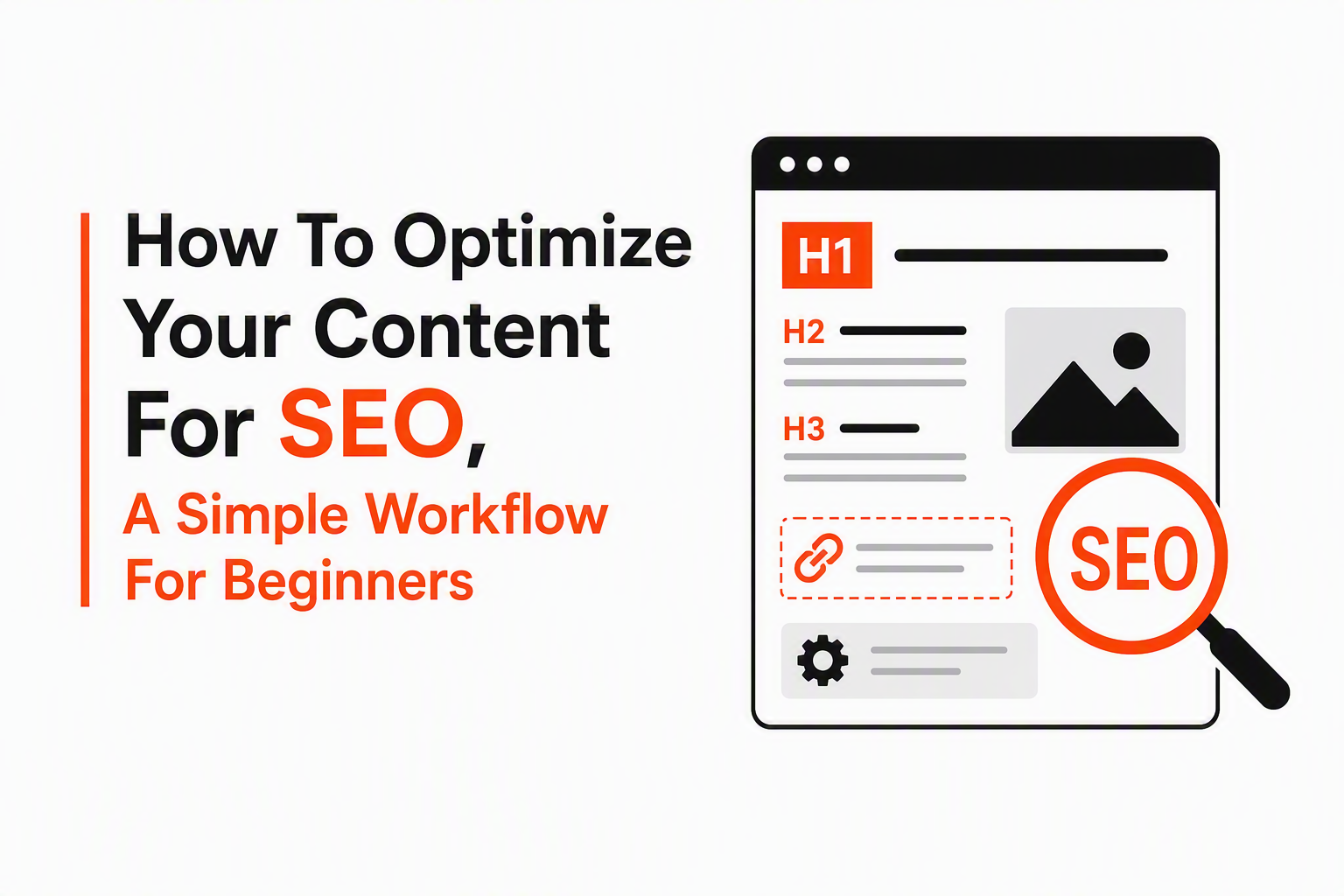
Improve Internal Links, Alt Text, And Basic Schema Signals
Internal links, descriptive alt text, and basic structured data help search engines understand your page relationships and help users navigate to the next best step.
Internal linking checklist (quick, but not random)
A lightweight internal linking pass that beginners can do in 15 to 20 minutes:
- Add 2 to 4 internal links from the updated page to closely related pages (supporting guides, services, or next-step content).
- Add 1 to 3 internal links into the updated page from other relevant pages, especially those with existing traffic.
- Use descriptive anchor text that sets expectations, not “click here.”
- Avoid sitewide over-linking in footers or boilerplate blocks unless it is navigation.
When adding related reading, link once per concept the first time it appears. For example, if you are expanding into a repeatable process, link to how to optimize content for search engines at the first natural mention, not five times.
Alt text rules you can apply immediately
Alt text is primarily for accessibility, and it also gives search engines context about images. Use these rules:
- If the image is informational, describe what is in it and why it matters (1 sentence).
- If the image is decorative, consider leaving alt text empty (depending on your CMS) so screen readers can skip it.
- Do not stuff keywords into every alt attribute. Use the topic only if it naturally describes the image.
Basic schema: focus on eligibility, not complexity
For most informational pages, “basic schema signals” means using the markup your CMS already supports well. Two practical starting points:
- Article/BlogPosting for blog content (many themes add this automatically).
- FAQPage only if the FAQs are visible on the page and reflect real questions.
Do not add schema you cannot support with visible content, and do not expect schema alone to fix relevance issues.
Use Free Tools To Check Indexing, Speed, And Crawlability
Free Google tools can confirm whether your page can be crawled, indexed, rendered fast enough, and understood well enough to be eligible for rich results.
Indexing and query data with Google Search Console
Use GSC for three checks:
- URL Inspection: confirm the page is indexed and see the last crawl date.
- Performance report: identify the top queries and pages, then export data for before/after comparison.
- Coverage/Indexing issues: look for “crawled currently not indexed,” canonical problems, or noindex tags.
Access GSC here: Google Search Console.
Speed and UX signals with PageSpeed Insights
Run the page through PageSpeed Insights and focus on the actionable items you can actually change without rebuilding your site. Common beginner fixes include:
- Compressing oversized images
- Reducing unused scripts from plugins
- Ensuring caching is enabled
Tool: PageSpeed Insights.
Structured data validation with Rich Results Test
Use Rich Results Test to confirm Google can parse your structured data and to catch warnings that might block eligibility.
Tool: Rich Results Test.
A quick crawlability sanity check
If a page is not moving after on-page improvements, look for blockers:
- Robots.txt disallowing important paths
- Accidental noindex on the page
- Canonical pointing somewhere else
- Thin or duplicated content across multiple URLs
Measure Results And Rework The Page With A Before-And-After Example
Measuring impressions, CTR, and average position over a fixed time window is how beginners can tell whether content updates improved relevance, improved clicks, or both.
Use a simple 28-day before/after comparison
SEO changes rarely show instantly, so keep it simple and consistent:
- Wait period: often 2 to 4 weeks for early signals on established sites (longer for low-crawl sites).
- Compare windows: last 28 days vs previous 28 days (or the same query set).
- Segment: measure by page and by query, not just sitewide totals.
Diagnostic loop: what changed, and what to do next
Use this mini decision tree:
- Impressions up, CTR flat/down: rewrite title tag and meta description to better match intent and promise.
- CTR up, impressions flat: expand subtopics and strengthen internal links to improve relevance.
- Both flat: re-check intent mismatch or technical blockers (indexing, canonical, speed).
- Position improved but clicks did not: your snippet may be weaker than competitors; add clearer benefits, specificity, and schema eligibility where relevant.
After running dozens of page refreshes across content libraries, the pattern was clear: changes that combine intent alignment + better headings tend to move impressions, while snippet clarity tends to move CTR.
Concrete before-and-after example you can copy
Scenario: A blog post titled “SEO Content Tips” has impressions but low clicks for queries related to optimizing blog posts.
Before (simplified)
- Title tag: “SEO Content Tips”
- H1: “SEO Content Tips”
- Intro: generic overview, no direct workflow
- Body: 12 tips with no structure, minimal examples
After (rewrite approach)
- Title tag: “How to Optimize Your Content for SEO: 7-Step Page Checklist”
- H1: “How to Optimize Your Content for SEO With a Simple Checklist”
- Intro: states the exact workflow and who it is for
- Body: reorganized into steps: intent, title/H1, subtopics, internal links, tools, measurement
Example rewrite (sample opening + headings)
- New opening paragraph: “How to optimize your content for seo is easiest when you update one page with a clear goal: match search intent, tighten your title and headings, add missing subtopics, improve internal links, then validate indexing and speed before you measure results.”
- New H2s:
- Pick the page and define its job
- Match the page to search intent
- Rewrite the title tag, H1, and meta description
- Add missing subtopics and examples
- Improve internal linking and image alt text
- Run free tool checks and fix blockers
- Measure and iterate
If you want a hands-on guide to formatting an article for search readability, this walkthrough on write seo friendly article can help you translate the checklist into clean sections.
| Change you made | Primary metric to watch | What “good” usually looks like | If it does not improve |
|---|---|---|---|
| Intent alignment and page structure | Impressions, average position | More queries triggering your page; gradual position lift | Re-check SERP type/format; add missing subtopics |
| Title tag and meta description rewrite | CTR | Higher CTR on the same queries | Test a clearer benefit, specificity, or audience qualifier |
| Content expansion with examples | Impressions, time on page | New long-tail queries; better engagement | Add one more practical section: steps, checklist, or FAQ |
| Internal links added (in and out) | Crawling, pages per session | More discovery of related pages; clearer site structure | Link from higher-traffic pages; improve anchor relevance |
| Speed and technical fixes | Indexing, UX, conversions | Fewer errors; smoother load experience | Prioritize image compression, script reduction, caching |
FAQ
How many times should I use my target keyword on a page?
Use the target keyword enough to make the topic unmistakable, then prioritize clarity. A practical approach is to include it in the title or H1 if it fits, once early in the body, and then rely on natural language and related terms.
What is the fastest way to optimize existing content for SEO?
The fastest high-impact sequence is: confirm search intent, rewrite the title tag and H1, add missing subtopics, and improve internal linking. Then validate indexing in Google Search Console so your changes can be re-crawled.
Do I need schema to rank?
Schema is not required to rank, but it can help search engines understand your page and can support eligibility for rich results. Start with what your CMS supports reliably and only mark up content that is visible on the page.
How long does it take to see results after updating a page?
Many sites see early signals in 2 to 4 weeks for pages that are already crawled regularly, but timelines vary by site size, crawl frequency, and competition. Use a consistent before/after window in Search Console to judge progress.
If you manage multiple pages or client sites and want to turn this checklist into a repeatable system, Better SERP provides AI workflow templates and automation so your team can generate, quality-check, and publish SEO-focused updates at scale without rebuilding the process every time.
Read Next
View all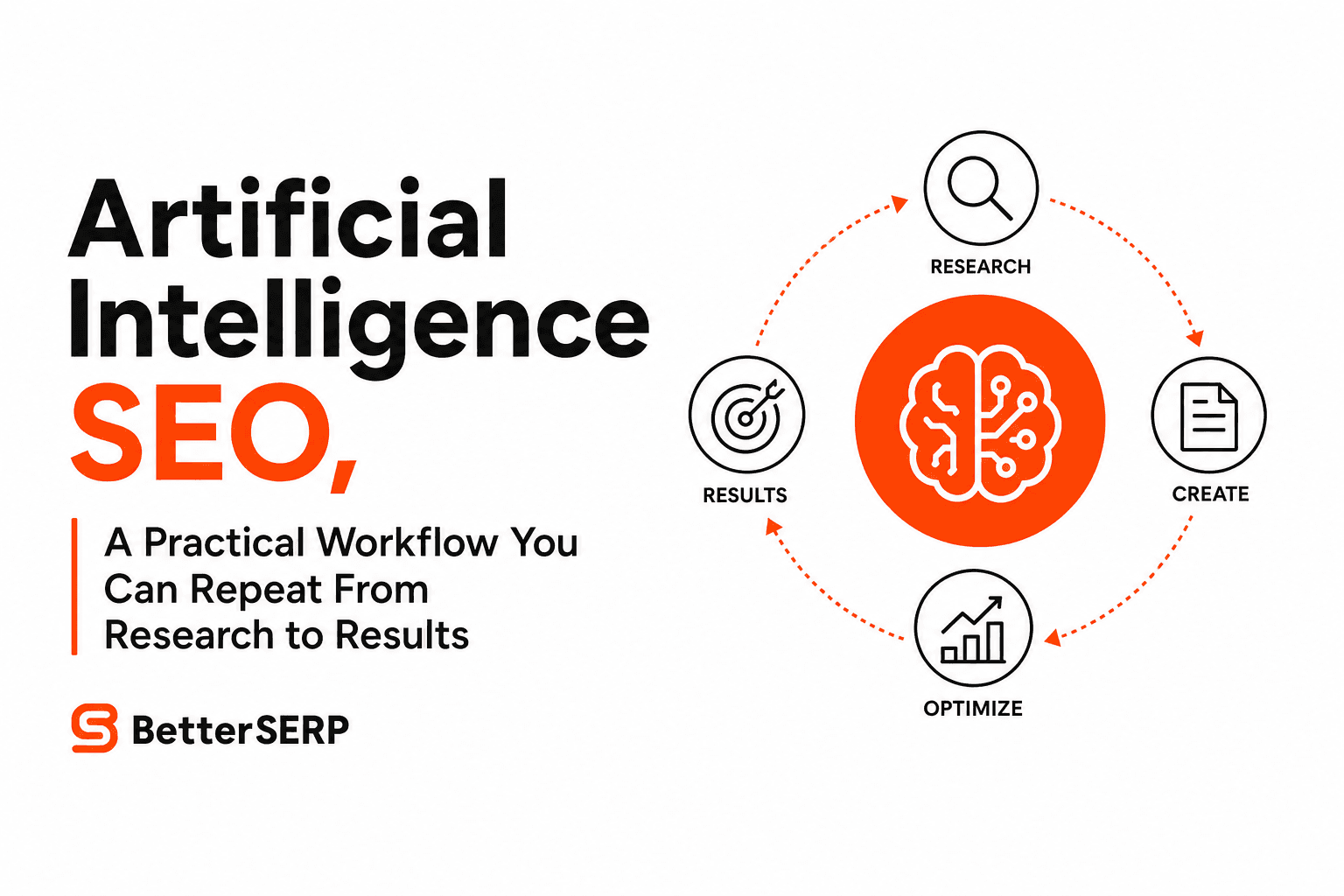
Artificial Intelligence SEO, A Practical Workflow You Can Repeat From Research to Results
Artificial intelligence seo in 2026, a tool-agnostic workflow for research, drafting, QA, AI Overviews optimization, and measurement.
AI Blogging Explained, A Practical Workflow That Still Sounds Human
Learn ai blogging with a repeatable workflow, copy-paste prompts, and a publish-gate checklist to create SEO-ready posts without losing brand voice.

What Is SEO Automation, How It Works, And 3 Workflows You Can Copy
Learn what is seo automation, how it works (inputs → logic → outputs), what to automate safely, and 3 copyable workflows with a starter stack.